Check these three details
First, check the developer name: Shadow Launch Technology Limited. Similar-looking search result titles don’t mean they’re from the same publisher. Open the full product page and check the developer information. Don’t rely on search terms, similar app names, or text in a description to identify the publisher.
Second, check the official icon: a rocket with a blue-purple outline on a white background, matching the official icon shown above and in the site header. The icon can help you identify the app, but it isn’t enough on its own. Even if a search result uses similar colors, check the developer and app ID too.
Third, check the app ID: 932747118. The App Store link on this page ends in id932747118, which is a more reliable way to identify the app than its search ranking. Confirm that the name, developer, icon, and app ID all match before reviewing the price, compatibility, and purchase button.
Screenshots show the interface; they don’t verify the product
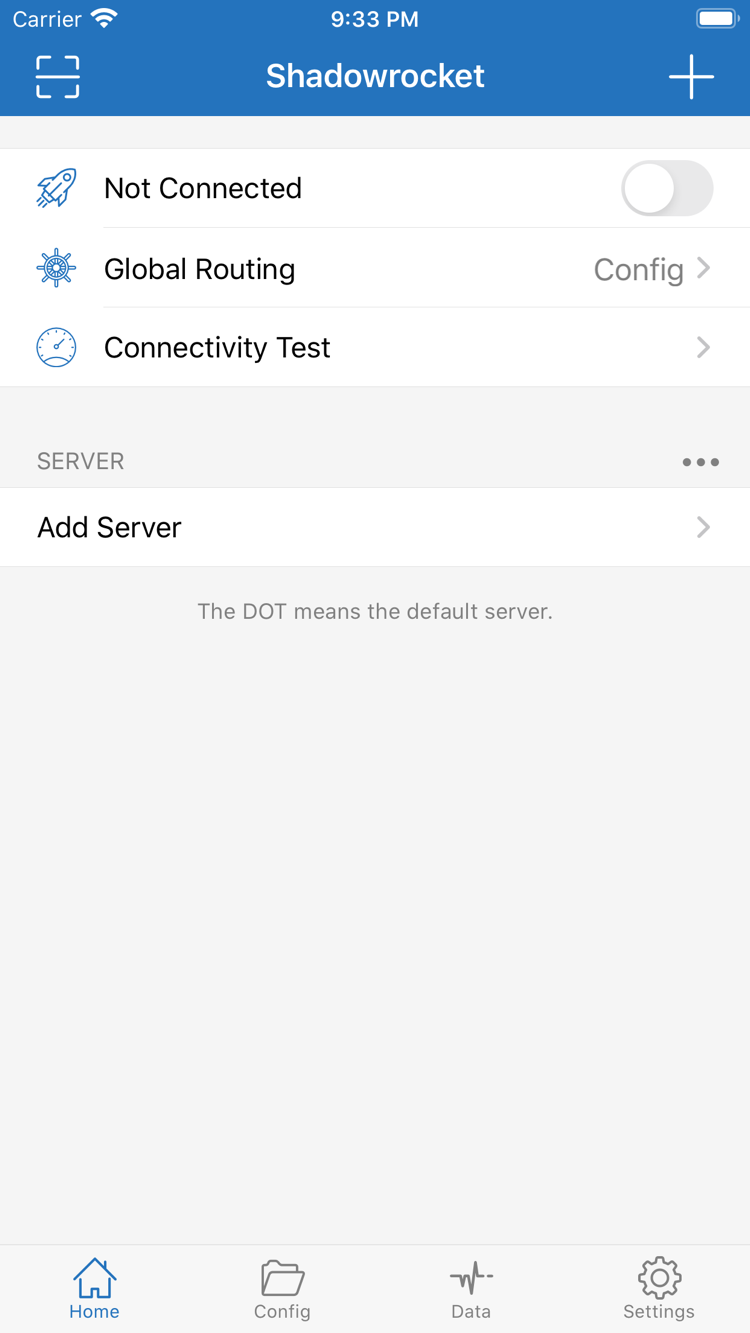
The official Home screenshot shows Not Connected at the top, along with Global Routing, Config, Connectivity Test, and the SERVER section. Not Connected reflects the connection state when the screenshot was taken; it doesn’t indicate whether the app has been purchased or show your device’s current connection status. After installation, the screen and server list may differ if you haven’t imported your own details.
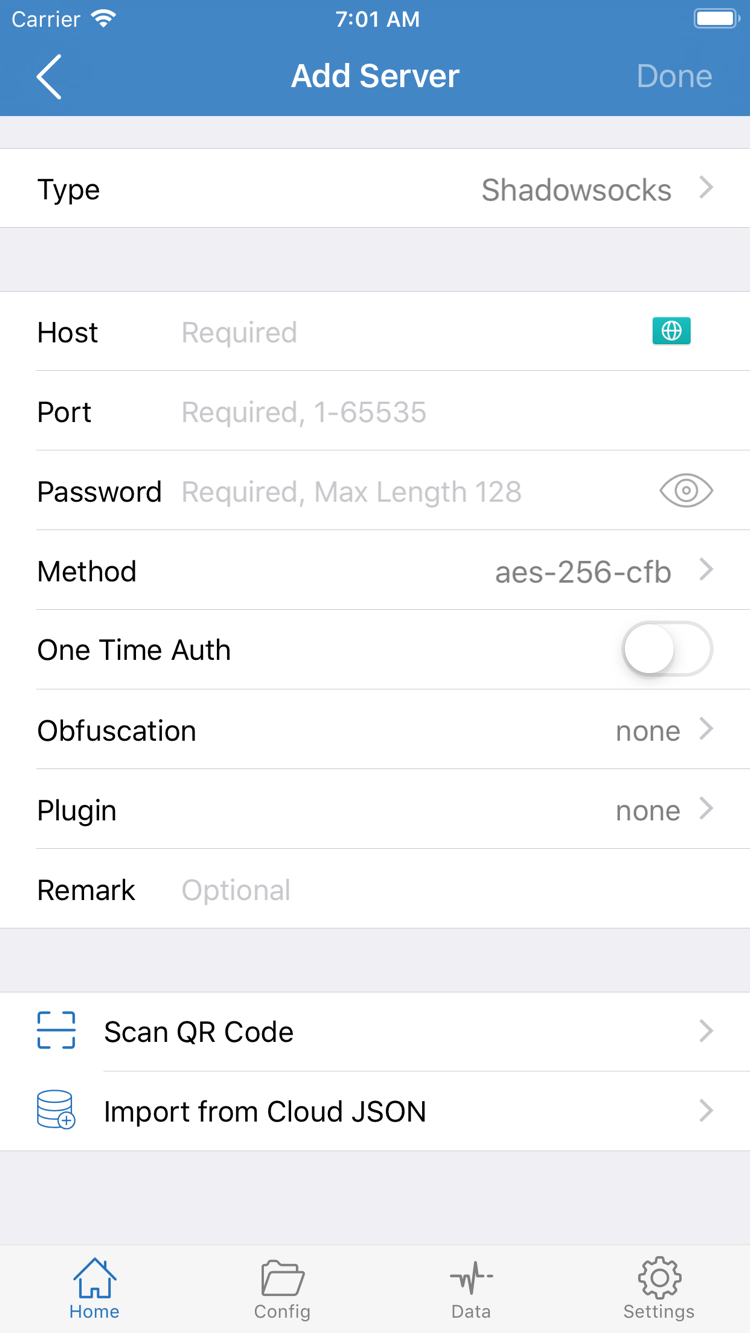
The official Add Server screenshot shows fields such as Type, Host, Port, Password, and Method, along with Scan QR Code and Import from Cloud JSON. Field values depend on your own server details. Enter them according to the relevant protocol; don’t guess based on an example list. The screenshot is promotional material provided by the developer on the App Store, and the interface may change with app updates or device layout.
To check whether an app is an imitation, return to its full product page and verify each detail instead of relying on search-result order. If anything doesn’t match, stop before purchasing and check the product page again. This is the official Shadowrocket website and manual; refer to the corresponding App Store page for product details.